
 (317)516-7460
  service@ampvortex.com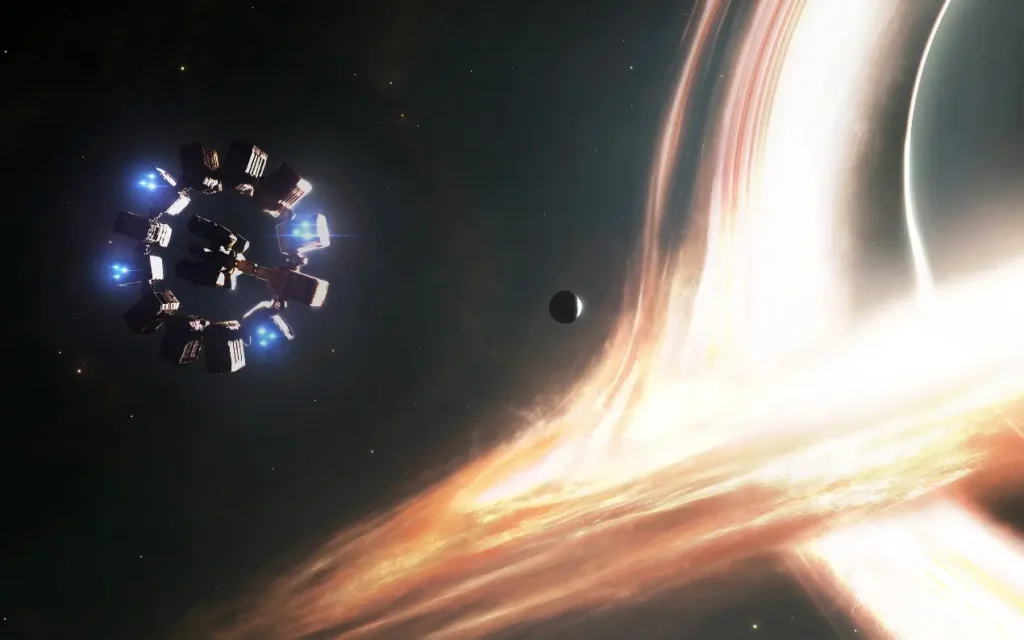
The Best Movies and Scenes to Calibrate Immersive Sound on the AmpVortex-16060A
The Best Movies and Scenes to Calibrate Immersive Sound on the AmpVortex-16060A
If you own an AmpVortex-16060A, you already know it’s designed to deliver high-fidelity, immersive sound across multiple channels — including height, surround, and subwoofers. While test tones are helpful for basic calibration, nothing beats real movie scenes to fine-tune your system and truly experience how it performs in the real world.
Here’s a comprehensive guide to the best movies and scenes to calibrate your AmpVortex 16060A, along with practical tips to get your immersive sound just right.
Why Real Movie Scenes Are Essential
Test tones help you set volume levels and speaker distances, but they cannot simulate the complexity of real audio. Real movie soundtracks include:
- Multi-layered effects
- Dialogue clarity
- Music, ambiance, and environmental sounds
- Dynamic range and panning effects
Using real scenes allows you to evaluate how your system handles depth, width, height, and low frequencies, ensuring your immersive setup feels natural and engaging.
Top Movies and Scenes for Calibration
Here are some of the most recommended movies and specific scenes that highlight immersive audio:
| Movie | Scene / Moment | Calibration Focus |
|---|---|---|
| Mad Max: Fury Road | Opening chase (“The Hunt”) | Powerful engines, wide surround imaging, dynamic range, height effects |
| Interstellar | Wormhole / black hole sequence | Deep bass, ambient spatial effects, subtle surround movement |
| Unbroken | Bombing raid scene | Overhead effects (planes), surround dynamics, LFE integration |
| The Batman (2022) | Batmobile chase | Engines, rear channels, height, gunfire, urban acoustics |
| Blade Runner 2049 | Rain and thunder sequences | Height channels, distant sounds, bass and ambiance |
| Dune (Part I & II) | Battle scenes / sandworm attacks | Complex surround panning, immersive bass, height effects |
| Wicked | “Defying Gravity” performance | Vocals, surround and height clarity, musical precision |
| Oppenheimer | High-impact explosions | Dynamic range, LFE, surround depth |
| The Matrix | Bullet Time gunfights | Panning, surround movement, height placement |
Other community favorites include 1917 (plane overhead scenes), A Quiet Place (creature movements), and Ready Player One (race sequences). These scenes are widely used by home theater enthusiasts for immersive sound calibration.
Step-by-Step Calibration Workflow
Here’s how to make the most of these scenes with your AmpVortex-16060A:
- Baseline Setup
- Start with test tones and a calibration microphone (if available).
- Set reference volume (e.g., 75–85 dB) and adjust delays for correct timing across all channels.
- Play Calibration Scenes
- Queue up a recommended scene.
- Listen critically: check for speaker balance, surround coverage, and clarity.
- Check Height Channels
- Focus on scenes with strong overhead effects (e.g., Unbrokenbombing run, Blade Runner 2049 rain).
- Ensure height sounds are clear and balanced relative to other channels.
- Evaluate Bass / LFE
- Use scenes with substantial low-frequency content (Interstellar, Oppenheimer).
- Check for smooth integration with subwoofers and main speakers.
- Test Dynamic Range & Transients
- Explosions and action sequences test how well your system handles sudden peaks.
- Listen for distortion or speaker strain.
- Check Soundstage & Panning
- Scenes like The Matrixor Dune show how effects move across channels.
- Adjust balance if sounds feel “stuck” or uneven.
- Fine-Tune and Save Presets
- Make small adjustments (±dB) and tweak delays or EQ as needed.
- Save your preferred profile on the AmpVortex-16060A for easy recall.
- Periodic Validation
- Revisit key scenes after changes in room layout, speaker positions, or system updates.
- Regular checks ensure your immersive experience remains consistent.
Why This Works on the AmpVortex-16060A
The AmpVortex-16060A is designed for multi-channel, high-resolution immersive sound. Using these movie scenes:
- Stresses all channels, including height, surround, and LFE
- Tests real-world dynamic range and panning, not just synthetic tones
- Helps verify localization, clarity, and balance across the soundstage
Following this workflow ensures your AmpVortex-16060A is optimized for cinematic audio, giving you the full immersive experience the filmmakers intended.
With the right movies and scenes, calibrating your AmpVortex-16060A becomes both practical and enjoyable. Not only will your system sound more precise, but every movie night will feel like a professional theater experience at home.